Lock your computer
until you exercise
Your screen stays locked until you exercise.
No reps,
no screen.
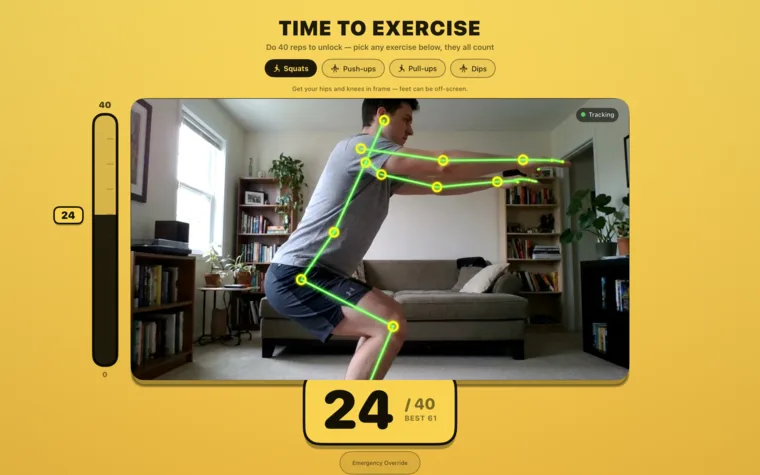
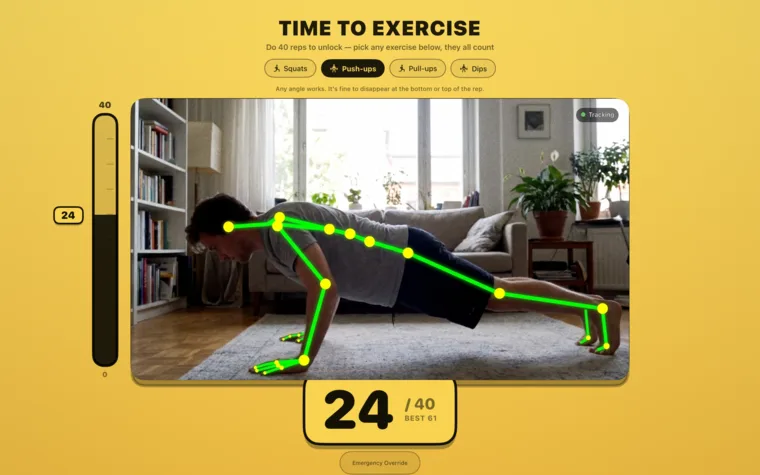
When an exercise block starts, Exercise Blocker takes every display and turns the camera on. On-device pose tracking watches your form and counts your squats — your Mac unlocks the moment you hit the target.
5:00 PMTime to Exercise
10 squats to unlock
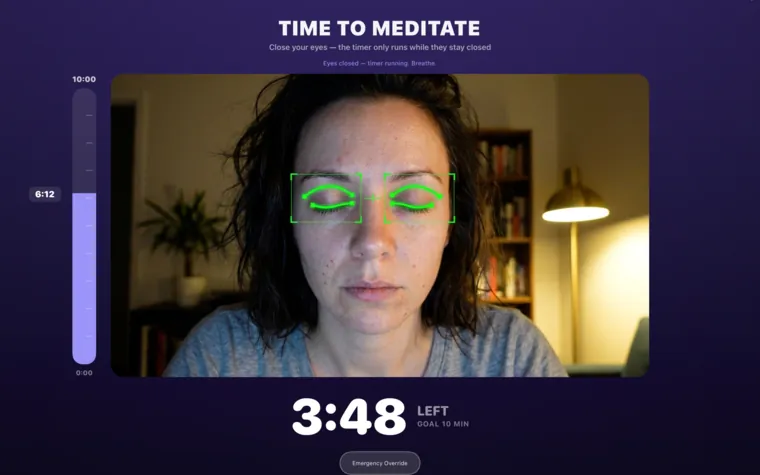
9:00 AMTime to Meditate
Close your eyes — the timer only runs while they stay closed
4:32
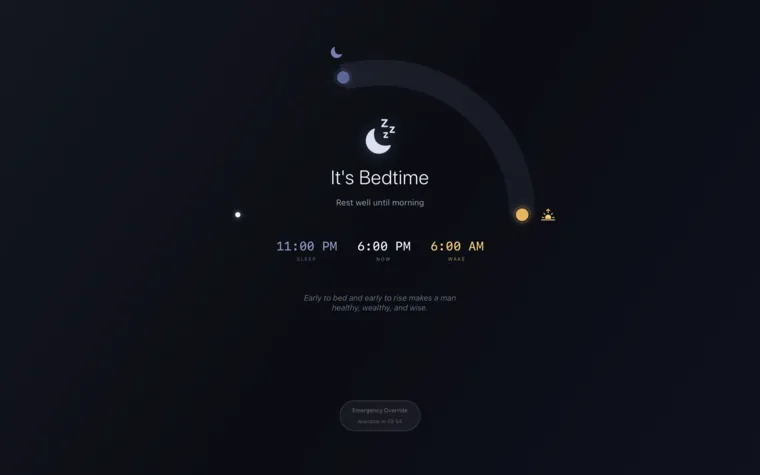
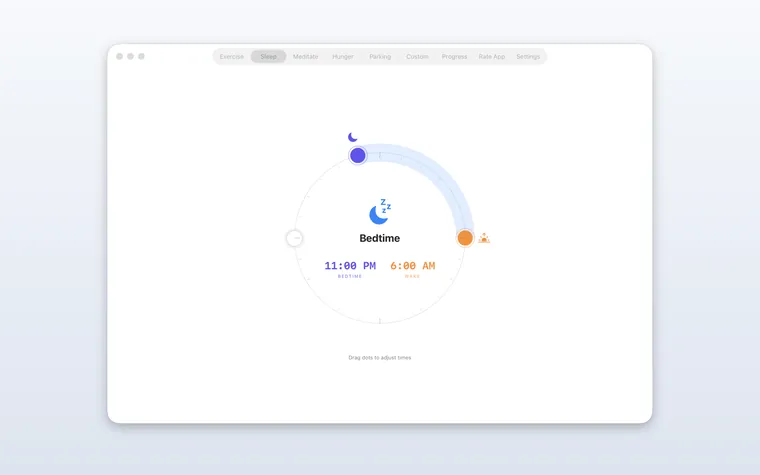
It's Bedtime
Rest well until morning
“Sleep is the best meditation.”
Emergency Override · available in 0:58
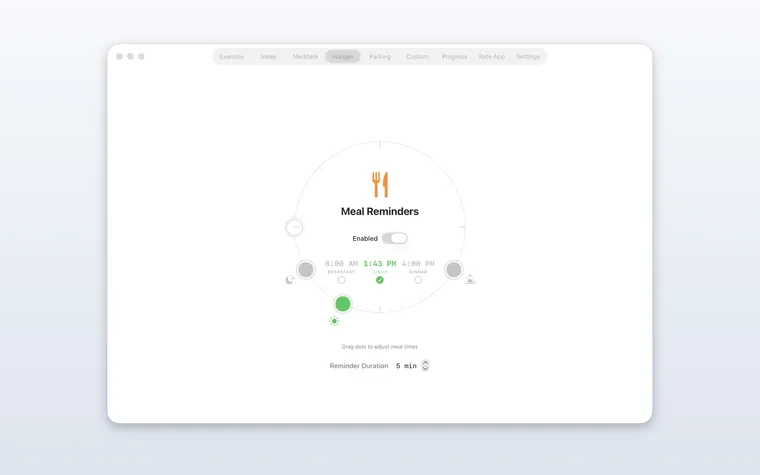
Time to eat!
Take a break and nourish yourself.
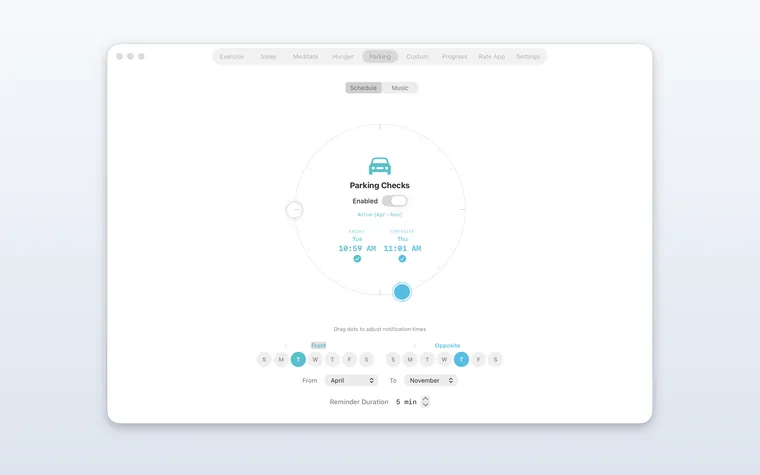
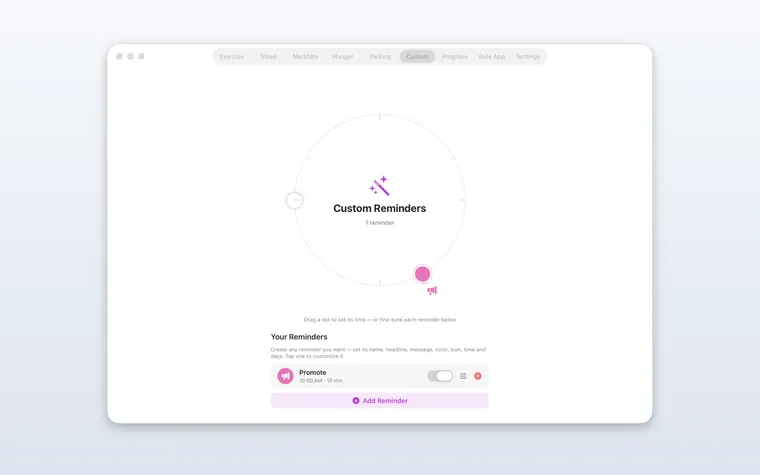
I'm eating →Move your car!
Parking restriction in effect.
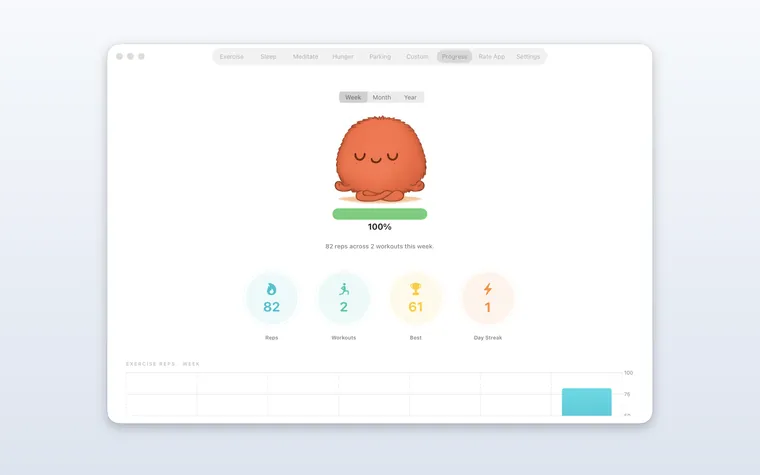
Moved it ✓21 🔥
nights in a row
that fights back
Keep scrolling
Discipline,
simplified.
Actually fall asleep
Become the “up before 7” person
Confidence boost from daily reps
Enhanced focus muscle
Decision-making improvements
Browse all
Blocks ↗
Invest in
yourself.
- ✓Unlimited blocking, every mode
- ✓Camera rep counting
- ✓Streaks & progress stats
- ✓Menu bar + desktop widget
- ✓No account, no subscription
- ✓Nothing ever leaves your Mac
What.
The.
FAQ?
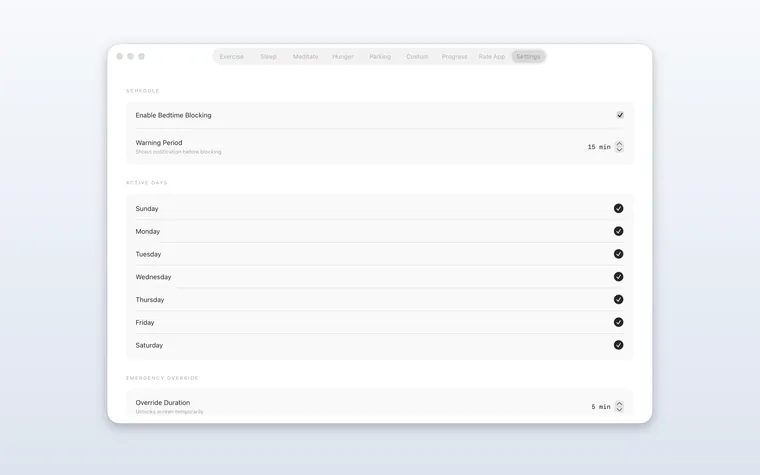
Exercise Blocker is a Mac app that enforces the habits you already want. It locks your screen at bedtime, schedules exercise and meditation breaks, reminds you to eat and to move your car — and it's deliberately hard to bypass. It runs quietly in your menu bar until it's time to step in.